Disclaimer: To be clear, I did not write a single line of code, so I won’t be able to help with issues and bugs. I also have no idea if it has any security issues. This is mainly a tool for my personal use but if someone finds it useful, feel free to use and share it.
Hi everyone,
I am back vibe coding again. It’s very fun, I must say, if I didn’t keep hitting the limit so quickly. Anyway.
Today I want to share a launcher with you which was created by Claude.ai for GNOME 3. I wanted something similar to krunner in KDE Plasma, and everything I found wasn’t exactly the way I wanted it. So Claude.ai came to the rescue. Again.
A few basic features I wanted are URL shortcuts, a calculator, fuzzy file search, window selection and, of course, an application launcher.
This is what came out after around 40 iterations.
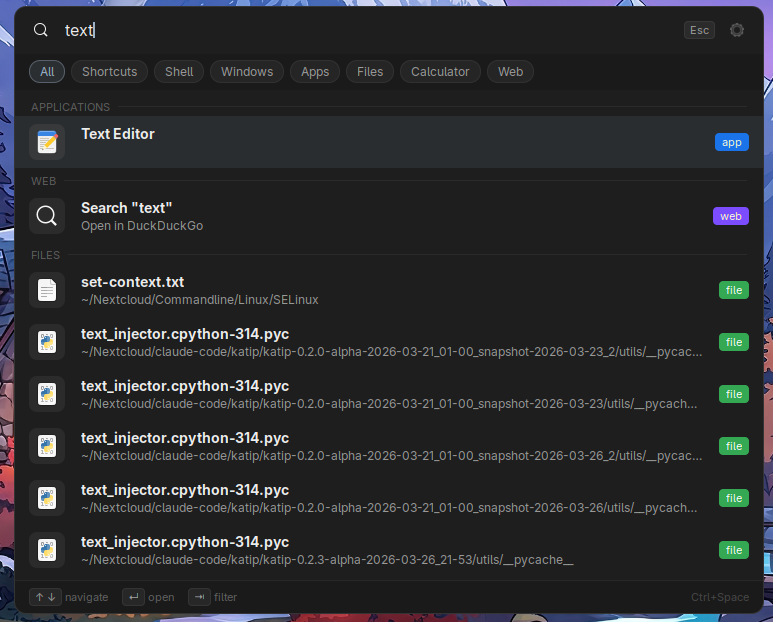
As you can see, the fuzzy search works. We have categories, line separations and so on. Some of which can be customized directly in the settings menu.
Here are a few of the features.
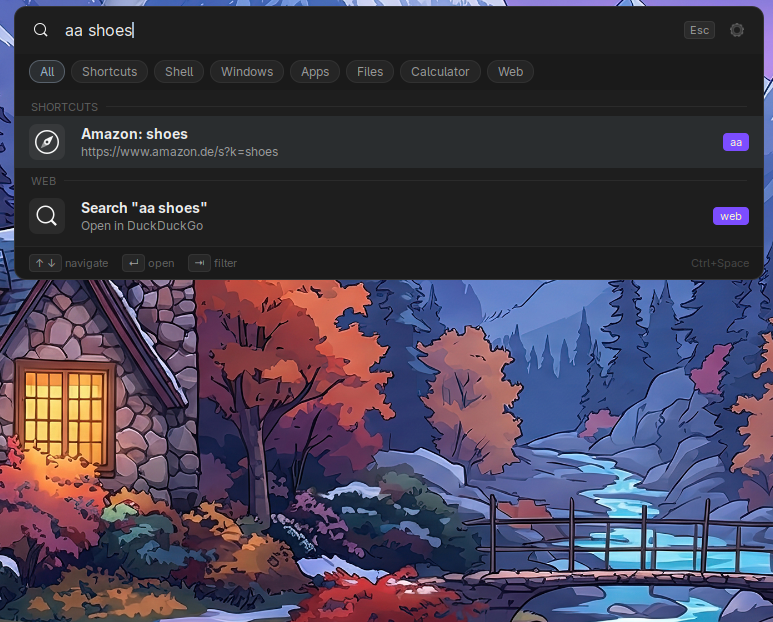
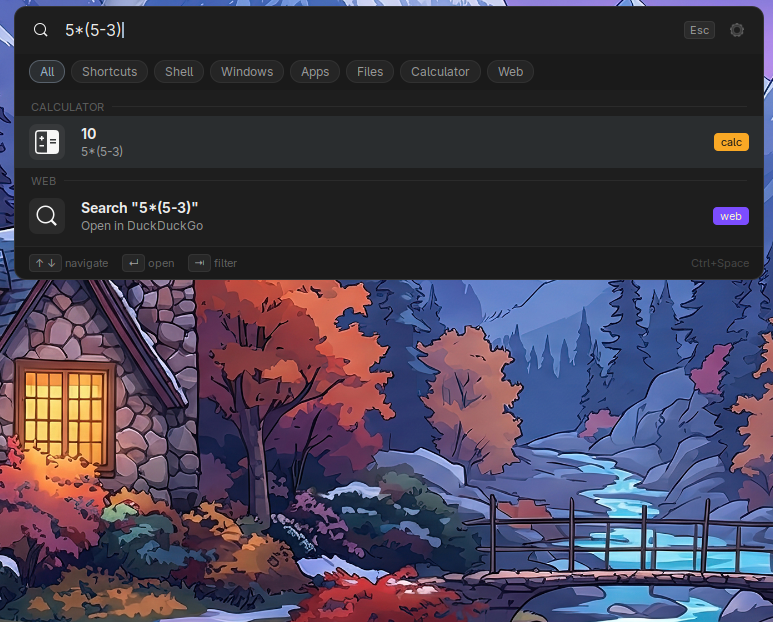
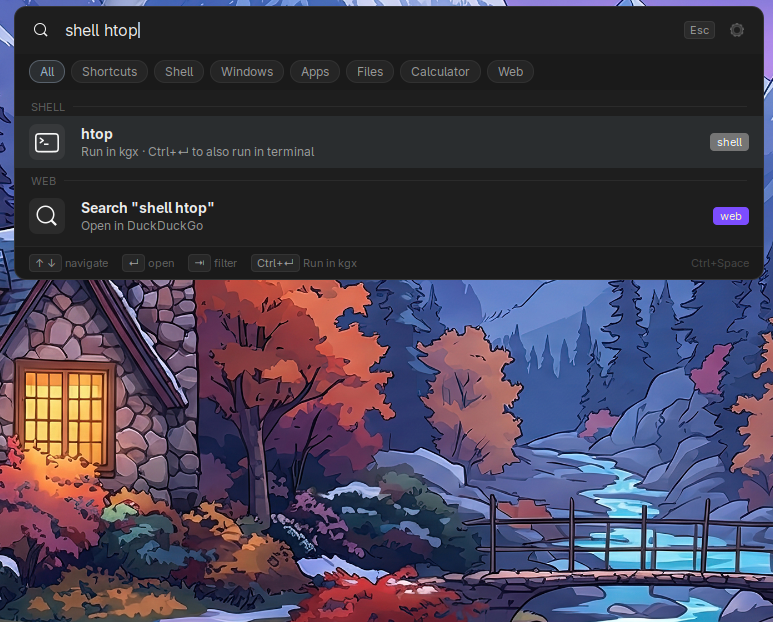
These are just a few of the things that work very nicely.
Here a complete feature list. This list is also generated by claude.ai. So some useless information possibly.
Core search
- Instant search across open windows, installed applications, files, calculator and web — all from a single
Ctrl+Spaceshortcut - Results ranked by launch frequency with recency decay — the more you use something, the higher it appears
- Fuzzy matching with word boundary and consecutive character bonuses
- Mode filter chips to narrow results to a single provider (Windows / Apps / Files / Calculator / Web / Shell / Shortcuts)
- Up to 8 results visible by default, scrollable, configurable
Providers
- Windows — lists all open normal windows with workspace number, click to focus
- Applications — searches name, description and keywords of all installed apps
- Files — powered by TinySPARQL / GNOME Tracker, searches your home directory and any additional paths you configure
- Calculator — evaluates math expressions inline (
sqrt(144),5 * 1.19,sin(pi/2)),Entercopies result to clipboard - URL detection — typing a domain or URL opens it directly in your browser without a search engine round-trip
- Web search — configurable engine (DuckDuckGo by default), swap to Google, Brave, Startpage or any custom URL
- Shell commands — type
shell htopto run commands, auto-detects GUI vs CLI apps,Ctrl+Enterforces terminal - Custom shortcuts — define your own triggers:
gg linux tipssearches Google,calopens Google Calendar
Shortcuts system
- Two trigger types: search (
trigger + space + term) and open (standalone trigger) - 18 built-in defaults covering search engines, development tools, sysadmin references and general utilities
- Full CRUD editor in settings — add, edit and remove shortcuts without touching config files
- Reset to defaults button with confirmation dialog
Keyboard navigation
↑ / ↓to navigate resultsEnterto activateCtrl+Enterfor the alternative action (open containing folder for files, force terminal for commands)Tabto cycle through mode filter chipsEscapeto close
Panel integration
- Optional K icon in the top bar — left-click opens launcher, right-click gives a menu with Open, Settings and Disable
- Settings gear button inside the launcher search bar for quick access to preferences
Appearance
- Three built-in color themes: Dark, Muted and Light
- Optional section headers with dividers between result groups
- Configurable launcher width and maximum result count
- Optional dark overlay behind the launcher window
Downloads
Katip Launcher